

Recent investigations have debunked claims that Windows 11 is causing SSD failures. The real culprit? Pre-release engineering firmware incorrectly installed on consumer drives. Reports of disappearing drives and corrupted files sparked initial concerns about Microsoft’s KB5063878 patch, but Phison engineers identified the true source: test firmware never meant for public use. Understanding the distinction between engineering and retail firmware reveals the full scope of this storage crisis.
When Windows 11 users began reporting mysterious SSD failures following a recent system update, the tech community initially pointed fingers at Microsoft’s KB5063878 patch. However, an unexpected culprit has emerged: pre-release engineering firmware lurking in certain NVMe drives.
A group of PC DIY enthusiasts in China cracked the case, discovering that drives running engineering firmware – typically reserved for testing and development – became unstable under heavy workloads triggered by the Windows update. After 4,500 hours of testing, Phison engineers were unable to replicate the failures using retail firmware versions. Phison, a major SSD controller manufacturer, later confirmed these findings, successfully reproducing failures only with engineering firmware, not retail production versions. Japanese users were among the first to report these widespread issues.
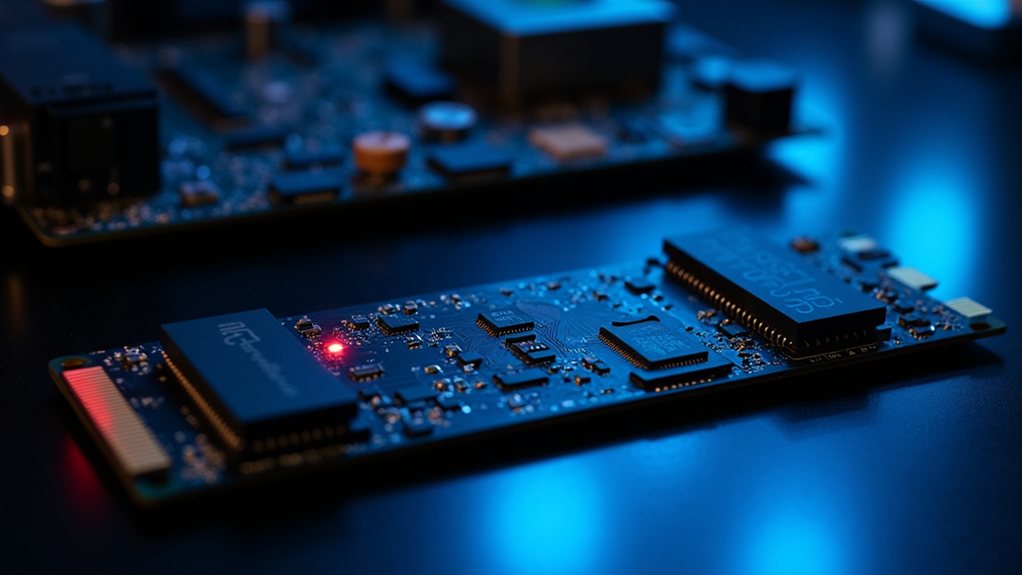
Engineering firmware meant for testing, not consumer use, sparked widespread SSD failures when pushed by Windows’ demanding update processes.
The symptoms read like a storage nightmare: disappearing drives, corrupted files, and system crashes, particularly after large file transfers exceeding 50GB. Affected users reported their SSDs becoming completely inaccessible, even at the BIOS level, or showing as RAW partitions. Models like the Corsair Force MP600, KIOXIA EXCERIA PLUS G4, and SanDisk Extreme Pro 3D found themselves in the spotlight, though the issues weren’t limited to a single manufacturer.
Microsoft’s initial investigation painted a different picture. After reviewing telemetry data, support tickets, and conducting extensive lab tests, both Microsoft and Phison found no evidence linking KB5063878 to SSD failures in production devices. The disconnect? Their testing focused on retail-ready drives, missing the engineering firmware angle entirely.
The technical explanation reveals a perfect storm: when drives running engineering firmware encounter intensive write operations, particularly on SSDs more than 60% full, firmware bugs can trigger catastrophic failures. Think of it as running beta software on mission-critical hardware – a recipe for potential disaster.
For the average Windows 11 user, this revelation comes as a relief. The issue appears limited to a niche subset of drives running non-production firmware, explaining why the problem wasn’t more widespread.
Nonetheless, affected users aren’t left without options. The recommended solution involves backing up data, updating firmware, and in some cases, performing a full system wipe to restore drive health.
Moving forward, this incident serves as a reminder of the complexities lurking beneath modern computing’s surface. Although Windows 11’s KB5063878 update acted as the trigger, the root cause lay in unstable engineering firmware that should never have made it to end-user systems.
For those concerned about their SSDs, the advice is clear: verify your drive runs production firmware, maintain regular backups, and consider using heatsinks during heavy workloads. Sometimes the scariest tech problems have surprisingly mundane explanations – and thankfully, clear solutions.
Final Thoughts
Concerns regarding Windows 11’s effect on SSD longevity initially caused widespread alarm, but the situation is more nuanced. When configured correctly, Microsoft’s VDM feature poses minimal risk to drive health, allowing users to feel confident that their SSDs will maintain normal lifespans with proper settings and regular monitoring. This situation highlights the importance of scrutinizing even minor OS changes in our storage-dependent computing landscape.
If you’re experiencing issues or have concerns about your SSD’s performance, Computer Repairs Sunshine Coast is here to assist you. Our expert team can help ensure your system runs smoothly and your drives are in top condition. Don’t hesitate to reach out—click on our contact us page to get in touch today!
